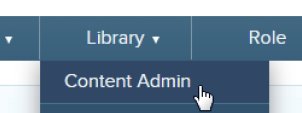
To access the Library, click on Library >> Content Admin.
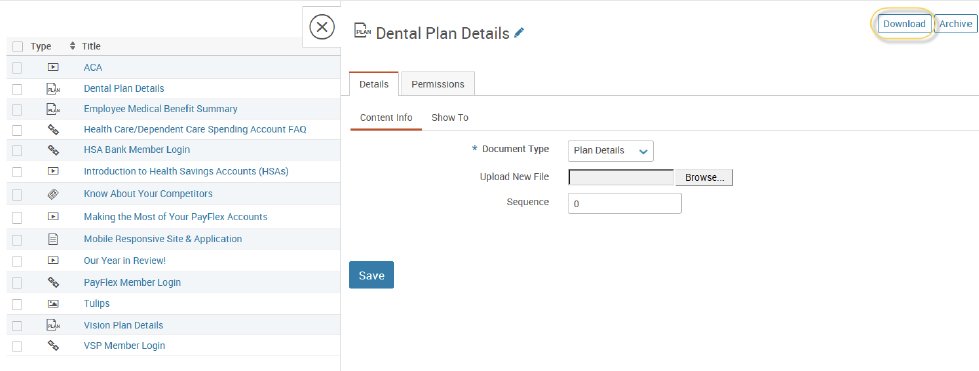
This page will show all employee viewable documents as well as documents that are only viewable by administrators.
If you would like to search for a specific document, you may use the search bar at the top of the screen. This will search for words in titles and descriptions of documents. Please note that it will not search contents of documents.
You may view a document by clicking into the title and clicking on ‘Download’ in the top right hand corner.