
Customize preferences
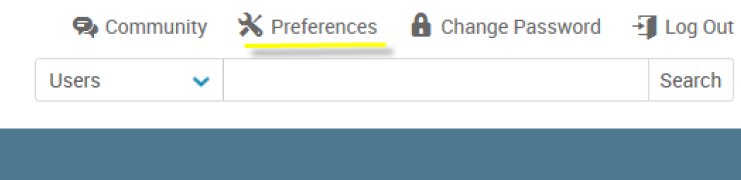
The first time you log in, you may want to customize your preferences to your liking. To do so, click on Preferences.
Considerations
Two common items you’ll want to consider:
| Setting | Description |
|---|---|
| Email Frequency | Customize how often you would like to receive emails informing you of new manager level alerts. By default, you will not receive email notifications. |
| Search Items per Page | By default, all searches through the site will only show 10 results per page.You will likely want to increase this number. |