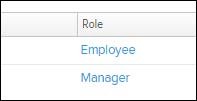
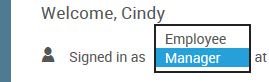
As a Manager, when you first log in you will be logged into the Manager view. If you would like to manage your personal benefits, you’ll need to switch to your employee view. To do this, click the drop down on the top left of the administration home page and select Employee.
To switch back to Manager view from the Employee view, click on Role.
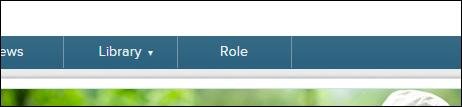
Then click on the Manager link.