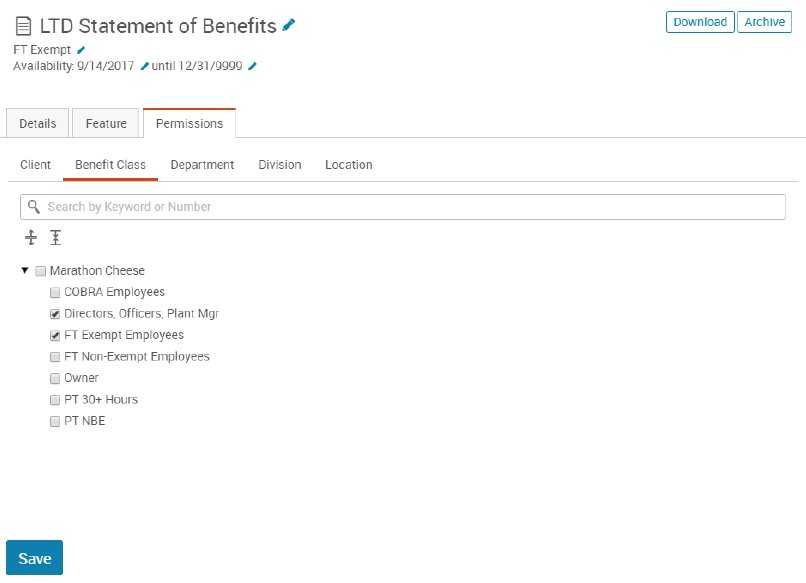
You may assign content to only show to specific groups of employees. While highlighting a document you would like to assign, click Permissions. Under the Permissions tab, administrators can assign content to benefit classes, locations, departments, and divisions. Within each section, an arrow appears to the left of the client name. Click on the arrow to view the benefit classes, departments, divisions, etc. within that client. To assign permissions to all benefit classes, departments, divisions, etc. within that site, check the box next to the client’s name. For each of these sections, administrators can also search by keyword or partial word for clients, benefit classes, departments, divisions, locations, etc.