
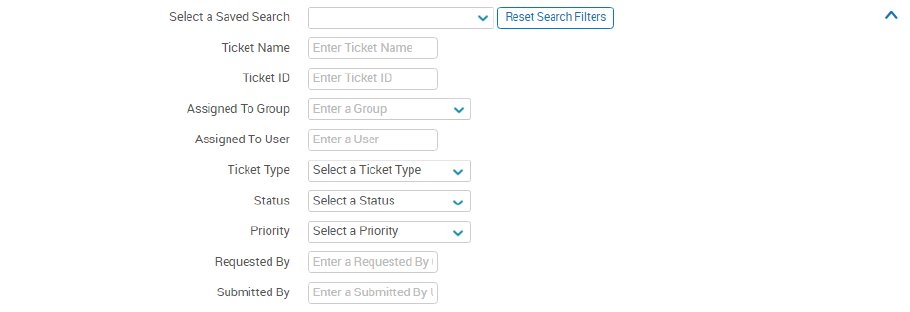
Administrators can search by ticket ID and keyword (ticket title & ticket details) in the main search bar located at the top. Once search terms have been entered, pressing enter or clicking the Search button pulls up all available results. Advanced Search options can be accessed by clicking the arrow in the search bar. Advanced Search includes several separate search fields, such as Submitted By and Updated From, as well as the Assigned to Group and Assigned to User fields. Administrators can also select a saved search from within the Advanced Search menu and customize the columns that appear when they generate search results.

Clicking the down arrow in the search bar will bring up other criteria to search by. The most common searches you’ll perform are:
- Enter the ticket name or partial name in the “Ticket Search” line
- Enter the ticket ID in the “Ticket ID” line
- Search by assignee in the “Assigned To” line
After searching, click on the ticket name to open the ticket.