
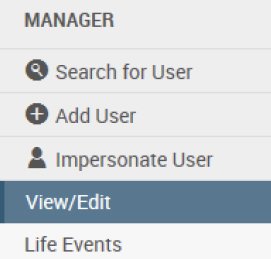
Upon opening an account, you will start on the View/Edit page.
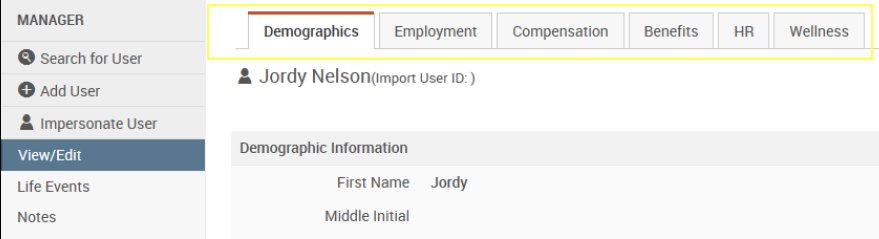
At the top of the View/Edit page, you’ll see tabs that will allow you to switch between different sets of data. For a listing of data elements and where you can find them, please see the appendix Data Elements.
All data elements displayed on this page are values that are effective as of today. If you would like to view a history of the changes, click the underlined links.
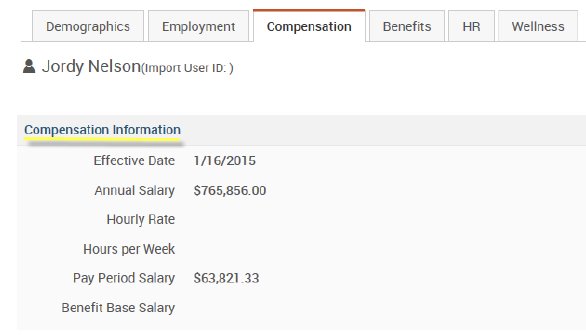
On this page, you’ll see a history of all data changes that have occurred, as well as who made the update and when the update was made. If a row is listed with a Saved By value of “System Scheduler”, it was automatically set by a process, likely a demographic file import.
