
To edit data elements within any of the View/Edit pages, click the edit button in the top right of the section where the element you want to edit appears.
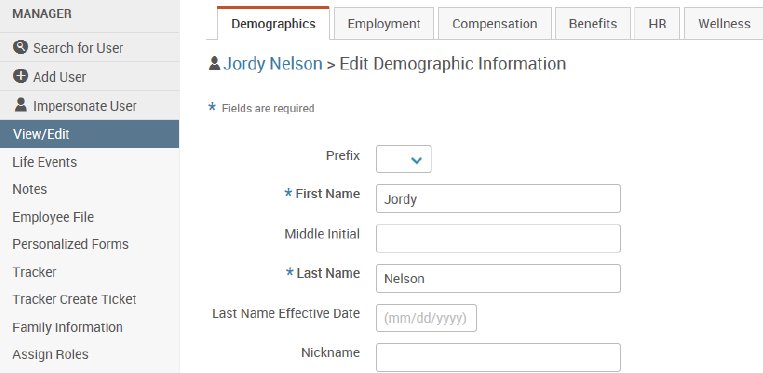
Note that any data that’s being sent to bswift on the demographic file will be overwritten by the next load, so editing data in this manner may not be effective. Please contact your client services team if you have questions.
Reinstating an Employee from Termination Status
Here are instructions on how to reinstate employees who were inadvertently terminated in the system.
This situation tends to come up each year during the year-end termination process—employees may submit their termination and later change their mind.
- Remove Termination Date and Termination Reason
- Change Employment Status back to ‘Active’ as of their original hire date
- Confirm the Active record maintained the original Hire Date/Benefit Class/Time Staus/Pay Frequency and their effective dates
- Switch “Login Enabled” back to yes as of their original hire date and end date of 12/31/9999
- Reinstate any benefits via plan selection