
As an administrator, you can initiate Life Events for employees within the administration view.
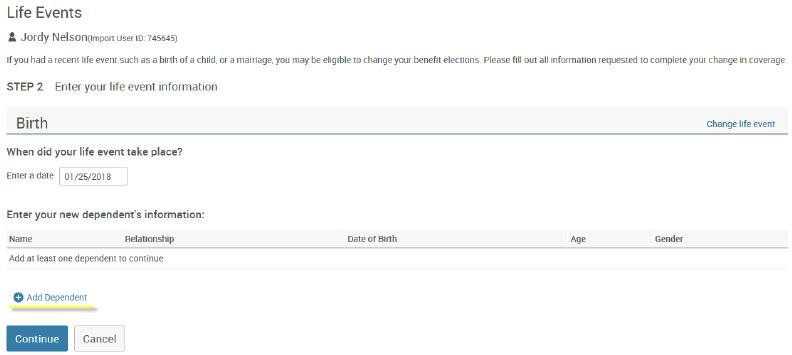
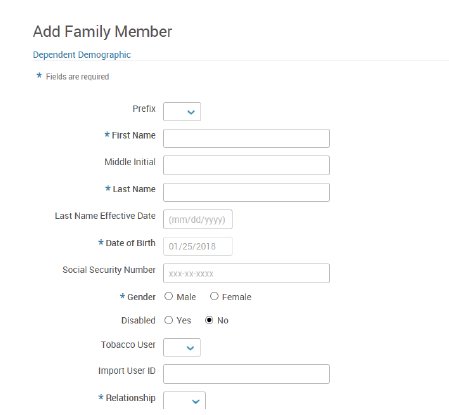
Click Life Events in the left hand navigation and enter the Life Event effective date and add the new dependent, if applicable.
After saving the event, the employee will now see the event when logging into their account, or while impersonating the account. As a Manager, you will also be brought to the enrollment where you can enroll on the Employee’s behalf.