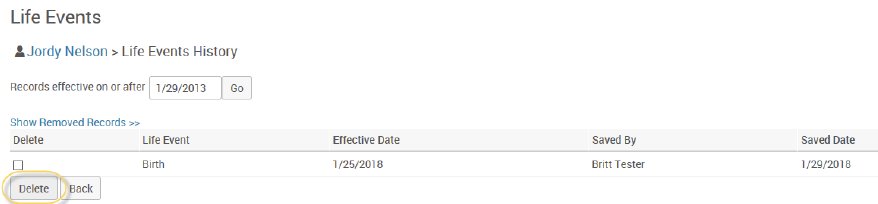
It may become necessary to delete life events.
You may want to do this if an employee has incorrectly initiated a life event. To do so, on the Life Events History page, click the checkbox next to the event you would like to delete and click the Delete button.
Caution
If the employee has stepped through the life event and made elections, those elections will not be deleted. If this is necessary, elections will need to be corrected via Plan Selection (see Plan Selection section below).