
If an employee has an enrollment event window open on their account, such as a Life Event, you will have the ability to process that via Enroll. Click Benefit Coverages in the left hand navigation and then Enroll.
You will see a similar enrollment flow that employees would see.
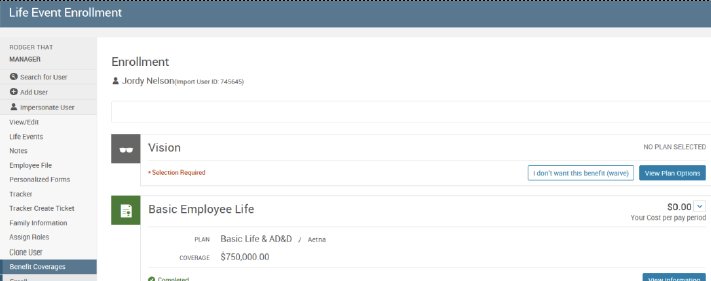
The Expanded Plan Selection page also allows Administrators to process and make corrections to enrollments. However, it does not require that an Employee be in an enrollment window in order to do so.
Plan Selection
Plan selection allows you to make benefit changes without having to initiate an enrollment window first. This page will allow you to fully manipulate benefits, but it should be noted that changes made through this page are not checked by the system to be accurate. Click Benefit Coverages in the left hand navigation and then Plan Selection.
Begin by selecting the date you would like to manipulate benefits as of and clicking Get Benefits. Then select the reason for the change.
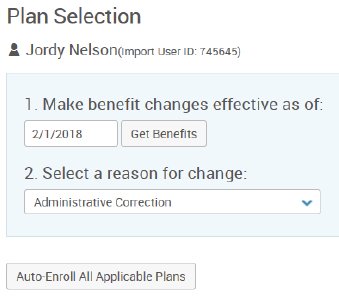
Make elections changes for each plan you would like the edit.
To save any changes, click the Save button on the bottom right of the plan selection.